


How do I register & link my policies?

Step 1:
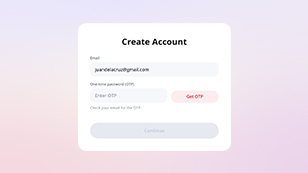
Visit pru.ph/PRUServices & tap “Create Account”
Step 2:
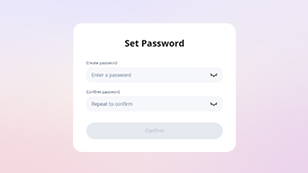
Use your Pru Life-registered email address
Step 3:
Verify with a one-time password
Step 4:
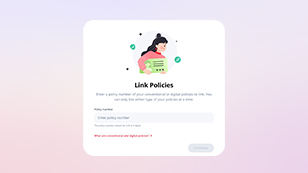
Link your policies by typing your policy number.
With PRUServices,
you can:
1. View policy details, policy documents and financial values
2. Update contact information
3. Pay online
4. Manage payment method & frequency
5. View payment history
6. Update beneficiary
Visit the FAQ for more details!